One desktop to run Claude Code & every coding agent
Stop juggling terminals, dotfiles, and half-remembered CLI flags. AgentKit App puts your skills, plugins, configs, tokens, plans, and security scans in one place — so you spend time shipping, not wrangling tools.
Migrate skills across agents · Optimize tokens · Auto-redact leaked secrets
Already reserved a slot? Get the app:
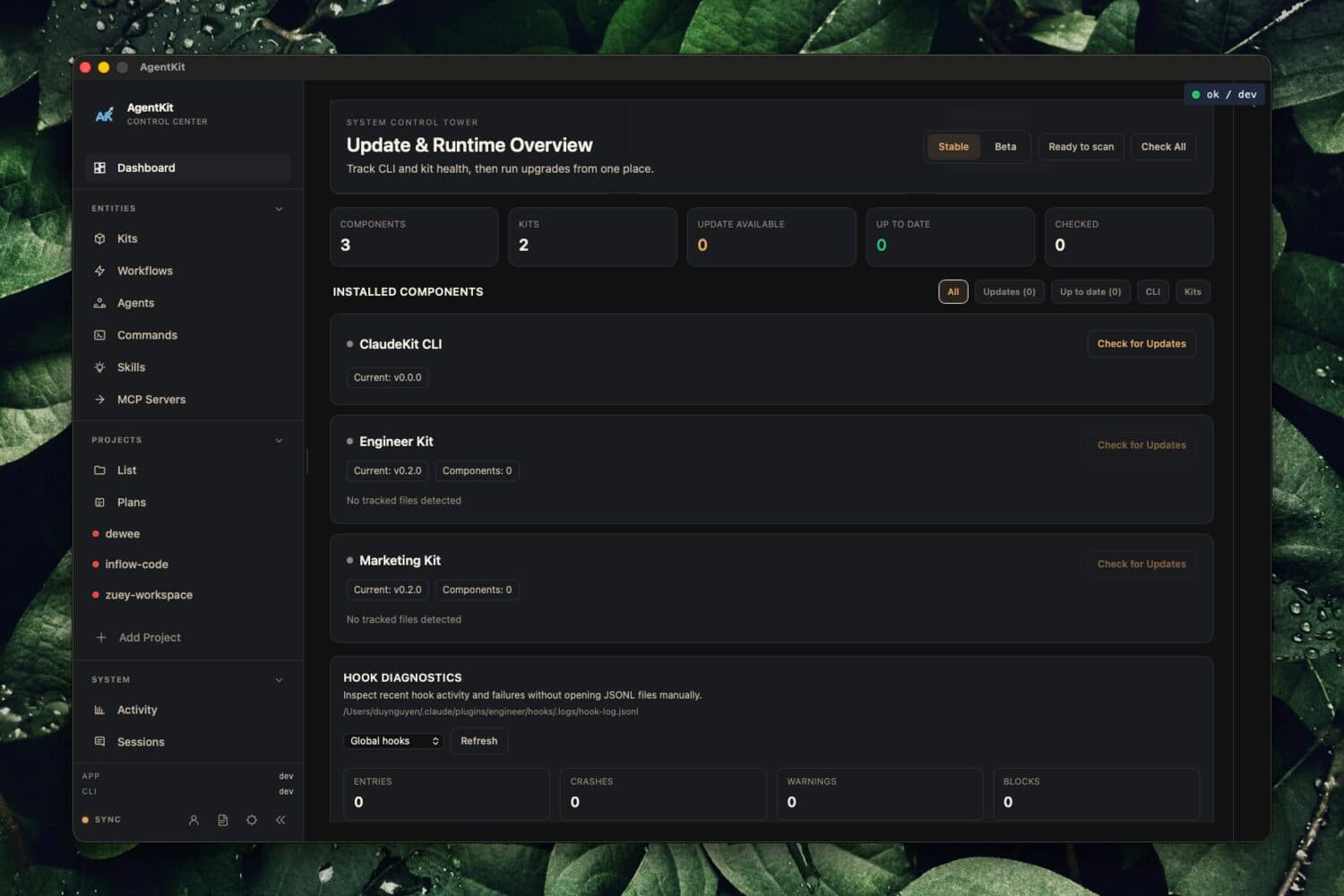
The whole control tower, one window
Real screens from the app — the same tools you'll use to run every coding agent you own.
Migrate skills across every agent
Move and sync your skills between coding agents in a click — no more copy-pasting configs or losing setups when you switch tools.
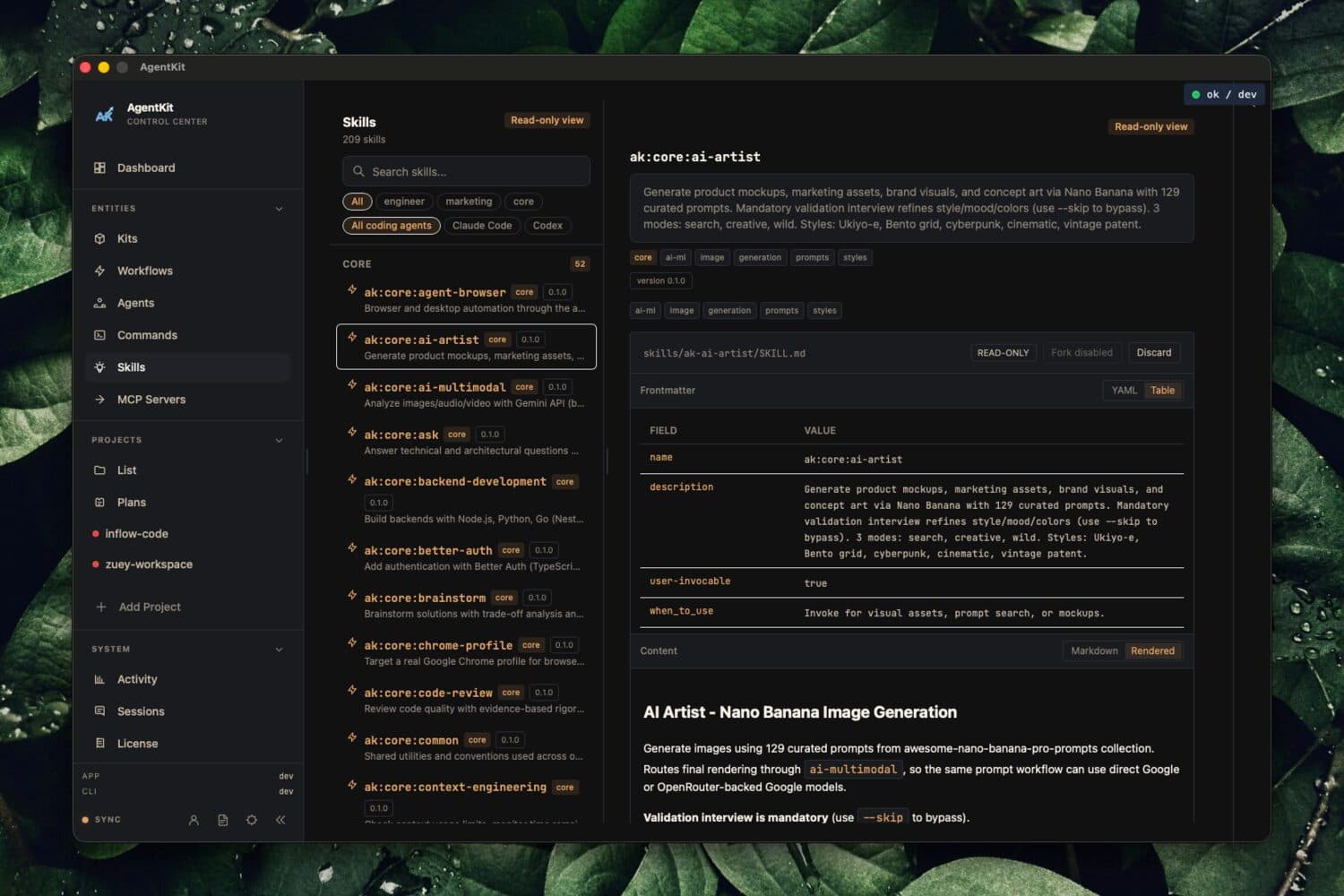
Install from any source
Add skills & plugins from Git, local folders, or the marketplace in seconds. One installer for everything your agents run.
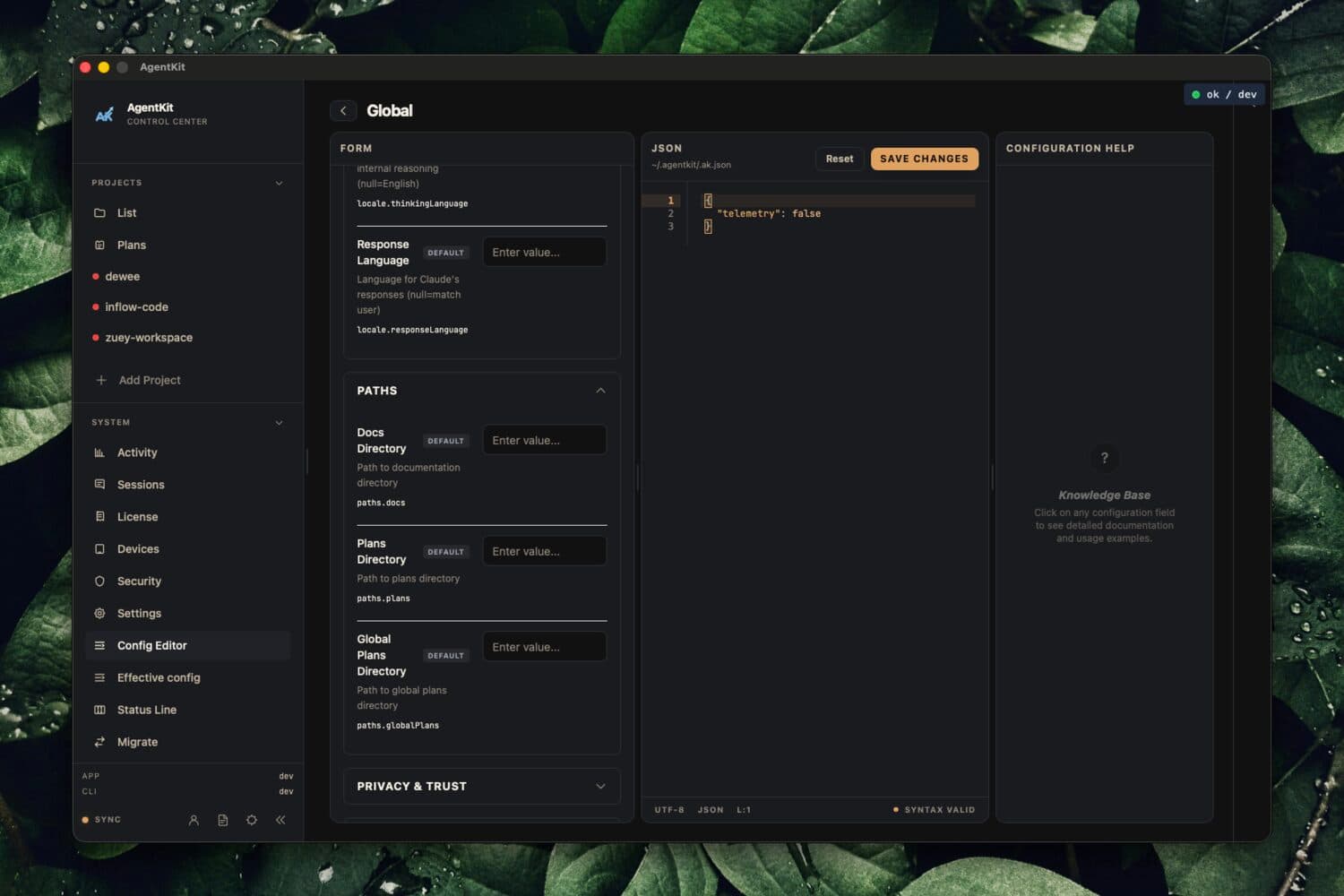
Edit configs, zero code
Tune JSON & TOML settings through a clean UI — change any agent tool without touching a config file by hand.
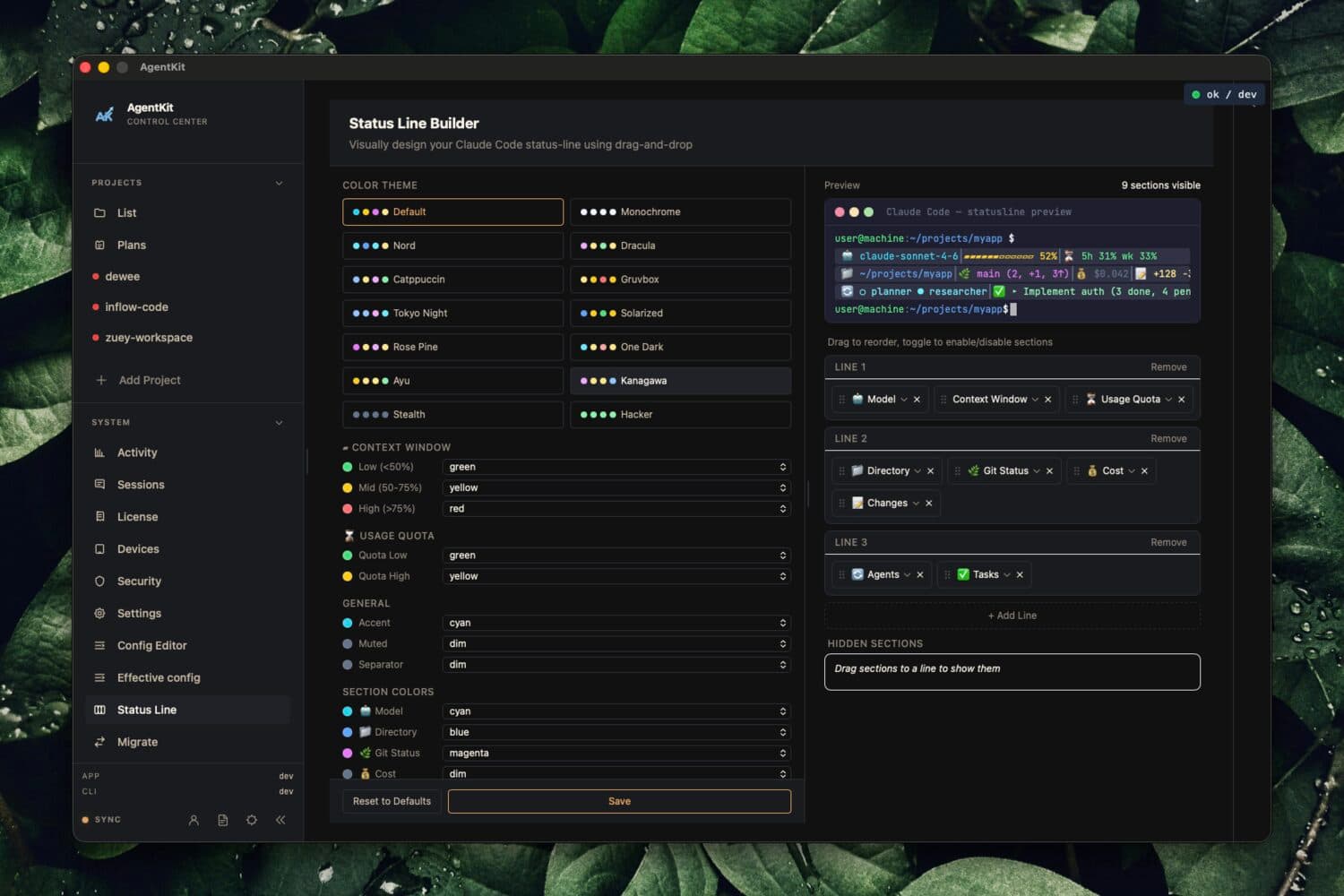
Design your status line visually
Build and preview your agent status line in a live editor — see the result instantly instead of guessing at config strings.
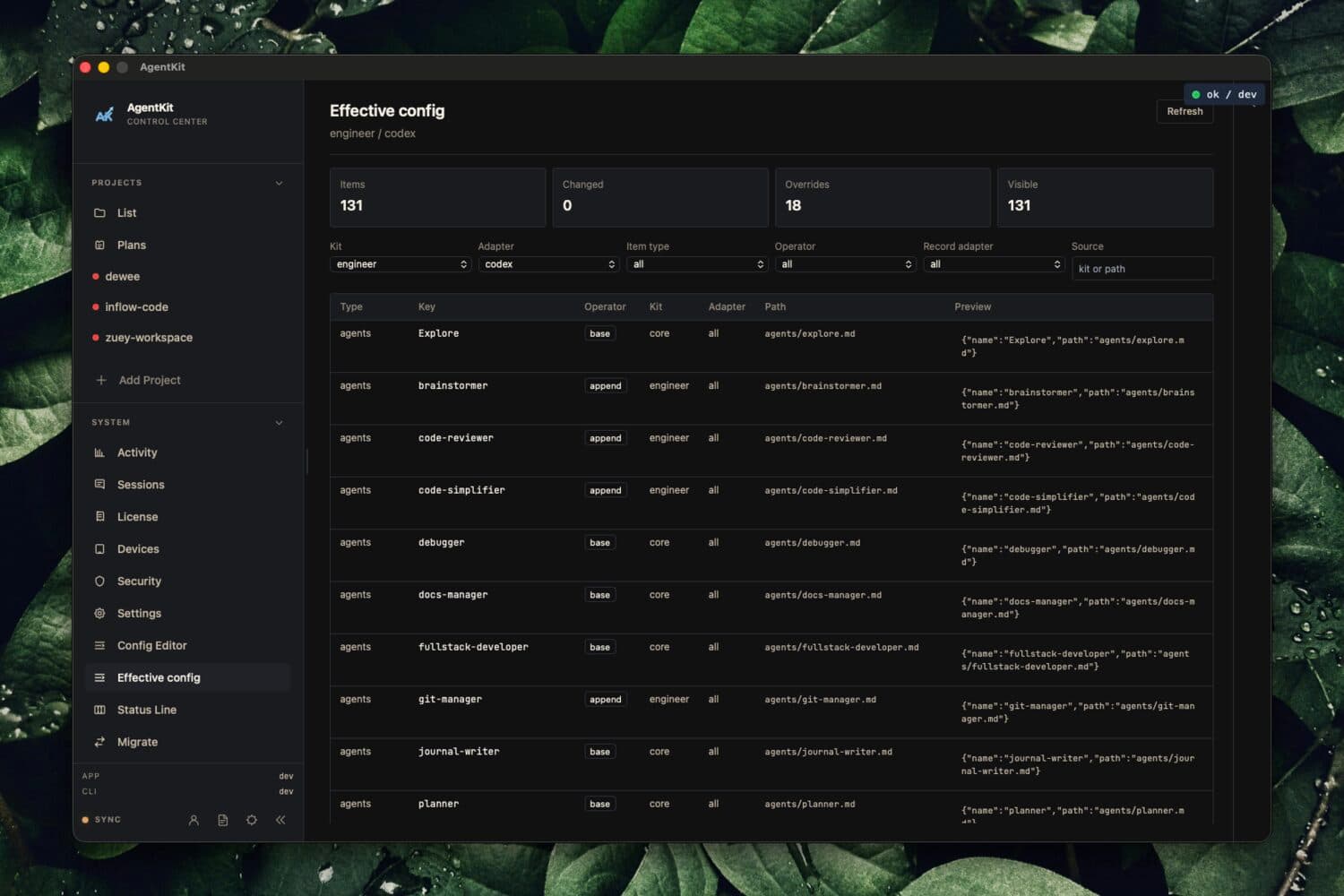
See the merged effective config
Trace exactly which settings win across global, project, and local layers — the real configuration your agents actually run.
One command center for every coding agent you run
Skills, plugins, configs, tokens, plans, and security — managed from a single desktop app instead of a dozen scattered terminals and dotfiles.
Monitor real performance
Measure every agent, skill, and session so you finally know what actually ships value — and what quietly wastes your time.
Cut your token bill
See exactly where tokens go and optimize the heavy hitters. Stop paying for waste and get more work per dollar.
Every plan in one place
Track planning boards and progress across all your projects from a single desktop hub — never lose the thread again.
Catch leaks before they ship
Automatic security scanning detects and redacts exposed secrets, API keys, and tokens before they escape your machine.
Runs where you work
Native desktop app for both Windows and macOS — same control center, wherever you code.
Up and running in minutes
Activate once, register your devices, and the app keeps working even through short network outages.
Choose your license tier
Pick a 1-device ($49/yr) or 3-device ($99/yr) workstation license.
Instant secure checkout
Complete payment with Polar (Cards/PayPal) or SePay (VND transfer).
Download & Activate
Install the native app for macOS or Windows and activate your license key.
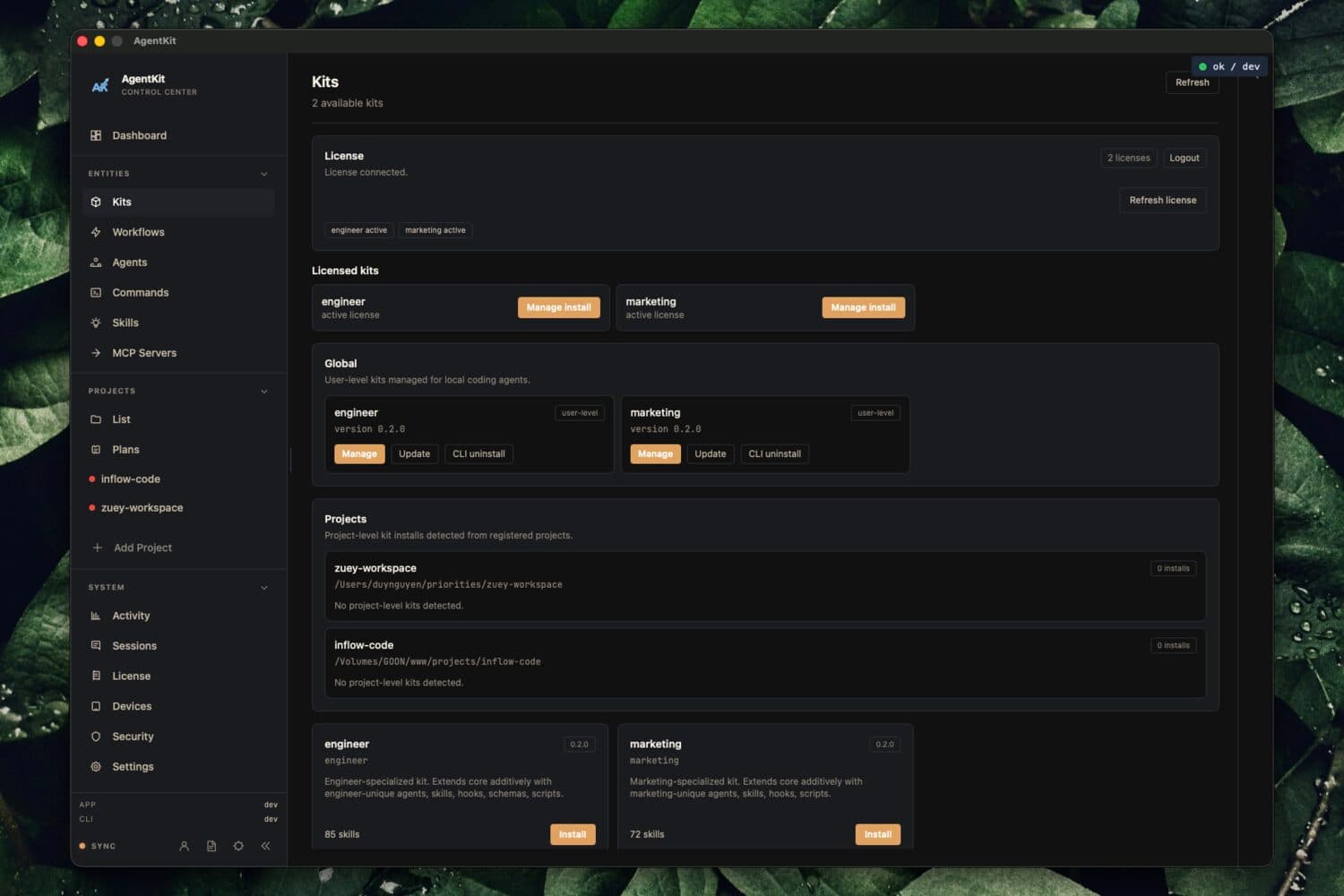
Workstation Control Tower
Manage licensed kits, skills, configs, and status lines in one place.
Choose your workstation license
Instant license key delivery. 14-day no-questions-asked refund guarantee.
Desktop App Licenses
Instant license key delivery. Requires Claude Code, Codex, or OpenAI account.
Already reserved? Download and activate
Grab the build for your platform, then paste your license key to activate your device. Each link always installs the latest build for its channel.